








Memory
Last session's question, waiting at the top of this one.

Lösungen
Produkte
Unternehmen
The agent takes the screen and does the task with your user, in their own account.

It already knows who they are.
„Seit wir Karumi eingeführt haben, setzen wir als Unternehmen auf Hyperwachstum.“

CEO @ Salesforge
„Onboarding hieß früher, dass einer von uns sich mit jedem Team hinsetzte, um es startklar zu machen. Heute bekommt jedes Team das auf Abruf, und wir sind nicht mehr der Engpass.“

Mitgründer & President @ StackAI
"Bis zu 40 Minuten mit dem Demo-Agenten, bevor sie überhaupt mit dem Vertrieb sprechen. Die Vertriebler wissen schon vorab, worauf es jedem Interessenten ankommt, und schließen schneller ab."

Director, Growth @ Re-Leased
Don't show your product like it's 1995
Replace the static video and the request-demo form. Every visitor gets a live walkthrough instead of a form.
 Live demo on every landing page Know which features visitors ask about More top of the funnel
It warms your leads and makes your AEs more efficient.
Prospects arrive already product-aware Transcript & questions land in your CRM Faster sales cycle Guide every new signup through their first week.
Answers product questions on demand A dedicated CSM for every user Fewer tickets, faster activation How it works
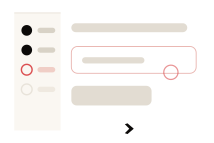
01
Repeated failure, or nothing happening for a while.
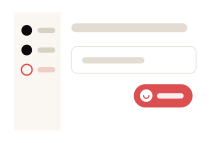
02
Already knowing who they are and what they've done.
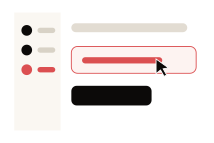
03
And moves through the steps.
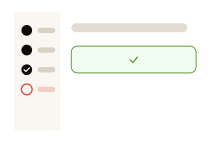
04
In their account, with their data.
Context
Last session's question, waiting at the top of this one.
Plan, account, owner, renewal date — already loaded.




What they've finished, what they've never opened.
Capabilities

It operates the product, not a tutorial.

Rendered inline, not linked.

When typing isn't enough.

Chat and call are one conversation.

It knows their status before they ask.

Across sessions, not just this one.
Placement
The first screen, with nothing in it yet.

Beside the step, where the task is.
Before they close the tab.

Replacing the box that returns four articles.
If that's where the account already talks to you.

The first screen, with nothing in it yet.
Beside the step, where the task is.
Before they close the tab.
Replacing the box that returns four articles.
If that's where the account already talks to you.
Enterprise-grade




The agent operates within the same access the signed-in user already has. No elevated privileges, no back door, nothing they weren't already entitled to.
Transcribed and scored. Nightly evaluations catch regressions.
Nothing leaves the boundary you set.
Analytics

Step-level, in their own words rather than as an event name.
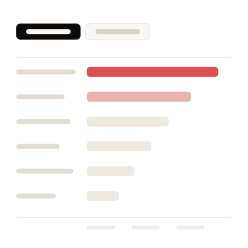
Feature requests, aggregated, without running an interview.

Never finished setup, asked something nobody answered, stopped coming back.
Live in two weeks
Day 1
You give us a login to a demo environment. That’s the whole ask.
Day 2
Your first agent is live and you can talk to it.
Week 1-2
We tune it with you, then it goes on your site.
Comparing
It’ll show you Karumi the same way it would show your product to your customers. Ask it anything. It’ll be there in two seconds.
 Product URL
  Objection Playbook
  Competitor Analysis
  Messaging Doc


 CRM
CRM